Just Weeding Online Co-op for Up to Six
Split the field, feed the goat together, and race toward late-game tools with friends.
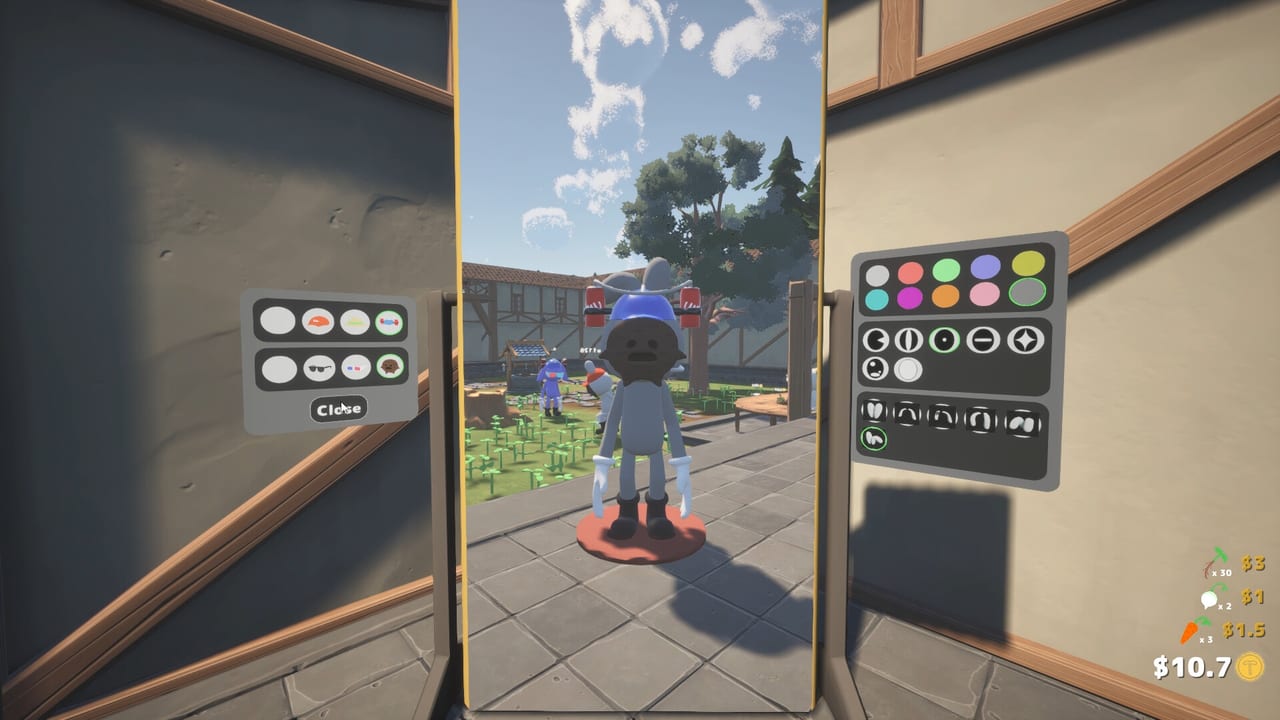
Just Weeding is built for chill multiplayer as much as solo grinding. You can clear the 100,000-weed field alone, or bring friends into online co-op with up to six players. This guide explains how to think about invites, role split, shared progression through the goat shopkeeper, and how to keep a six-player night fun instead of chaotic.
New to the loop? Read Getting Started first. For longer party etiquette and session structure, continue to Session & Party Tips in the Players Hub.
Co-op at a glance
- Modes: solo or online co-op (2–6 players)
- Shared fantasy: everyone pulls weeds, contributes to the money loop, and benefits as tools improve clear speed
- Platform: Steam Windows PC only at launch
- Tone: cozy incremental —competition is optional; coverage is the real win condition
Co-op does not change the end goal. You still want the field empty. What changes is throughput, chatter, and how you assign who runs the shop versus who holds a lane.
How to start a session
- Make sure everyone owns Just Weeding on Steam (app 5178240) and has updated past launch hotfixes when possible —see Launch & Patch Notes.
- Confirm inputs. Mixed mouse and controller parties are fine thanks to full controller support, but each player should skim Controls & Settings if camera sensitivity feels wrong while pulling.
- Host opens a co-op session and invites through Steam’s usual friend flow. Keep the party voice chat ready before the first pull so callouts are instant.
- Agree on a simple plan: who shops, who scouts sparse edges, who holds the dense middle. Five minutes of planning saves an hour of overlapping footprints.
If invites fail, have friends rejoin Steam, check overlay permissions, and retry. Keep the Discord community link from the Links Hub handy for finding extra players when your friend list is short —official Discord is https://discord.gg/zBzqPBfhJU.
Role split that actually works
With up to six bodies in one field, unstructured pulling creates traffic jams. Try these lightweight roles:
- Lane clearers (2–6 players): Claim visual corridors of the field and sweep weeds systematically. Call when a lane is dry so someone can rotate.
- Shop runner (1 player): Focuses on cashing in with the goat shopkeeper and buying the next tool at smart breakpoints. This role pairs well with reading Tool Upgrades.
- Scout / rare watcher (optional): Keeps an eye out for oddities —grapes, tapioca, mandragora, holy sword, potato, giant carrot, and other ultra-rares —without derailing the clear. Details in Rare Weeds & Special Finds.
- Flex: Rotates wherever density is highest.
Rotate the shop runner every major upgrade so one person does not burn out on menu duty. Late tools (weeder machine, black hole staff, UFO) change how wide a single player can cover; reassess lanes after each purchase using the Tools Ranking.
Shared economy mindset
The cozy fantasy still runs on pull → feed goat → buy tools → pull faster. In co-op, that loop is a team resource. Bad habits to avoid:
- Everyone ignoring the shop until the group is soft-locked on slow tools
- Six players standing on the same patch while distant weeds sit untouched
- Chasing every shiny rare while the 100,000 count barely moves
Good habits:
- Set a cash threshold: when the party can afford the next tool on the agreed list, buy it immediately
- Announce purchases in voice chat so everyone feels the power spike
- After a big upgrade, take thirty seconds to redraw lanes —faster tools need wider spacing
Cross-check buy order with Clear Faster Efficiency and the Tools Hub.
Pacing a six-player night
A full clear is a marathon. Structure the evening:
- Warm-up (10”5 min): Everyone pulls nearby weeds, tunes camera, confirms roles.
- Upgrade sprint: Focus income until the next major tool lands.
- Coverage block: Spread out, minimize overlap, call dense pockets.
- Break: Stretch, swap shop runner, check Updates only if a hotfix just dropped.
- Repeat until the session timer or the field says stop.
If energy dips, switch to a lighter goal —clear one visual quadrant, unlock one tool, or hunt a single rare for fun —then resume the main count.
Communication tips
- Call *“shopping” before you leave a lane so teammates cover your gap.
- Call *“dense left / sparse right” style directions instead of vague “over here.”n- Celebrate rares briefly, then return to coverage. Ultra-rares around 0.01% are spice, not the meal.
- Be kind when someone’s camera settings are still wrong after v1.0.1 —send them to Controls instead of roasting their spin.
Solo players who dip into co-op
You do not need a fixed six-stack. Duo and trio sessions still multiply clear speed and make the goat loop feel social. Host when you can; join when friends are mid-clear. The Players Hub collects more player-facing tips, and Session & Party Tips goes deeper on etiquette, AFK handling, and ending a night cleanly.
Related reading
- Getting Started —core loop refresher
- Controls & Settings —pad and camera comfort
- Rare Weeds & Special Finds —what to shout about
- Clear Faster Efficiency Guide —money timing
- Tools Tier List Hub —which tools change co-op spacing
- Links Hub —Discord and socials for finding party members
Invite the squad, feed the goat, and carve the field together —six pullers and a plan will always beat six pullers and a traffic jam.
Frequently Asked Questions
Quick answers to the most common questions.
How many players can join Just Weeding co-op?
Online co-op supports up to six players. You can also play entirely solo if you prefer a quiet clear.
Do we share tool upgrades in co-op?
Treat the goat shop and upgrade timing as a team economy. Assign a shop runner, announce buys, and redraw lanes after each major tool.
What is the best co-op role split?
Use lane clearers for coverage, one shop runner for goat upgrades, and an optional scout for rare finds. Flex players fill dense pockets.
Where do I find extra players?
Start with Steam friends, then check the official Discord linked from the Links Hub if you need a fuller six-stack.